Wedding invitation video maker with a gold flower arch
The camera pushes slowly past hanging marigold garlands and rows of flickering diyas towards a glowing gold flower arch, while your blessing line, names, date, muhurtham time and venue appear in gold script through depth.
Customize this template – freeNo sign-up · No watermark · Made in your browser
What you get
- Cinematic camera push with depth of field and bokeh
- Falling petals, diyas and marigold strings
- Optional couple photo
- Royal maroon, ivory or midnight themes
- Free 1080p MP4 download
How to make your Kalyanam video
- Open the Kalyanam template in the editor.
- Type your names, date, time and venue – the 3D preview updates as you type.
- Pick a colour theme and format (9:16 for WhatsApp status and Reels).
- Press Export MP4 and share the video.
Questions
Can I change every line of text?
Yes: the top blessing, invitation lines, names, date, time, venue, city, closing line and hashtag are all editable.
Will it work on my phone?
Previewing works on most phones. For the fastest download, export on a laptop with Chrome or Edge.
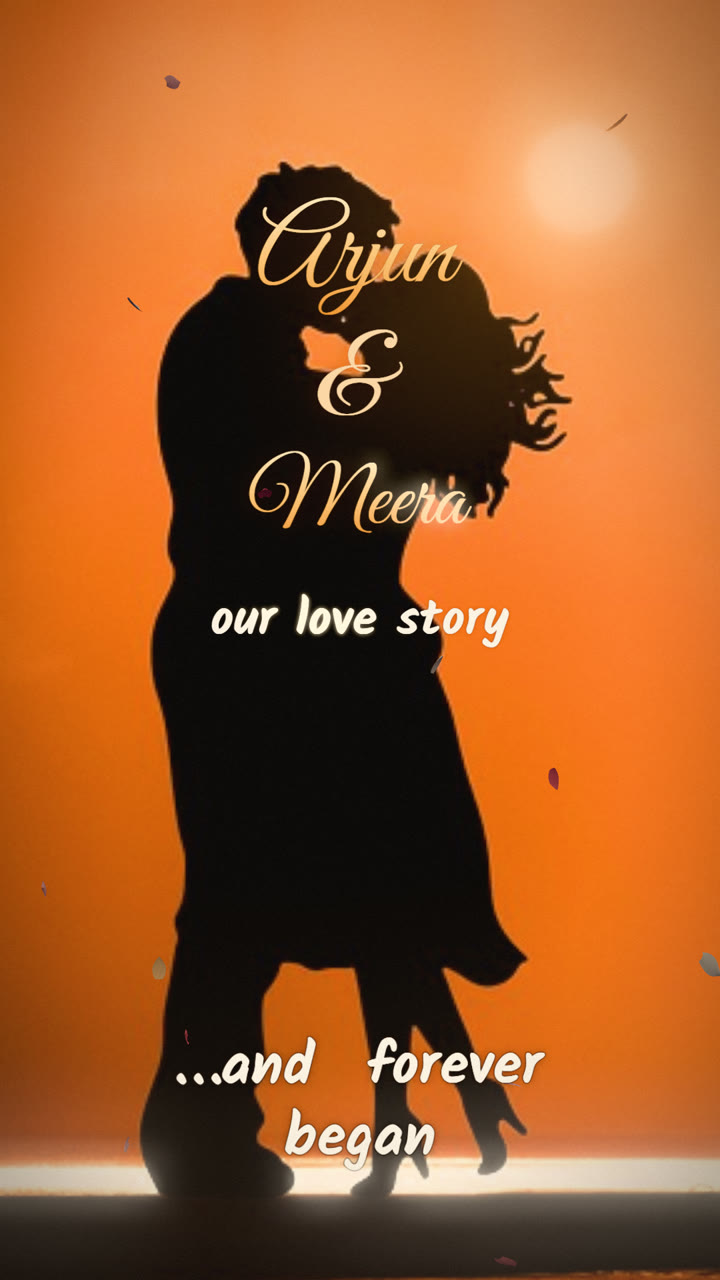 Love Story ReelLove story video maker with music and lyrics
 MandapamSouth Indian wedding invitation video in a 3D mandapam
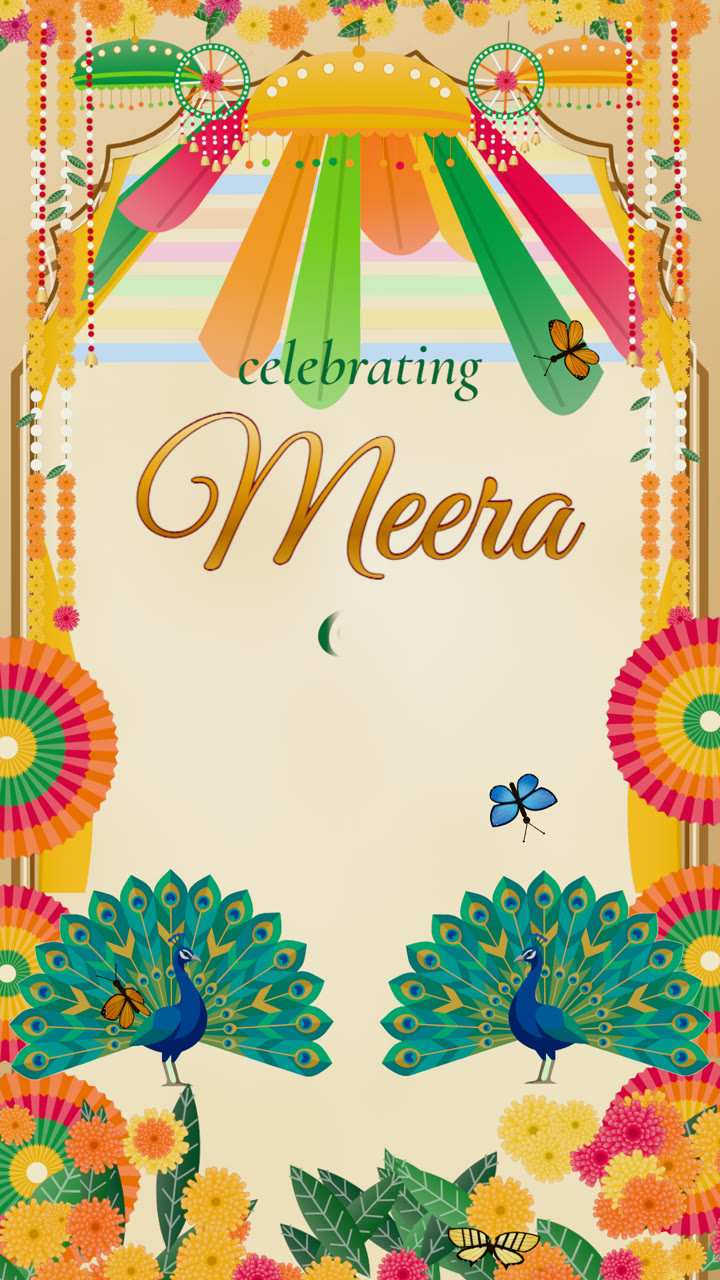 Mehndi MelaAnimated mehndi invitation video
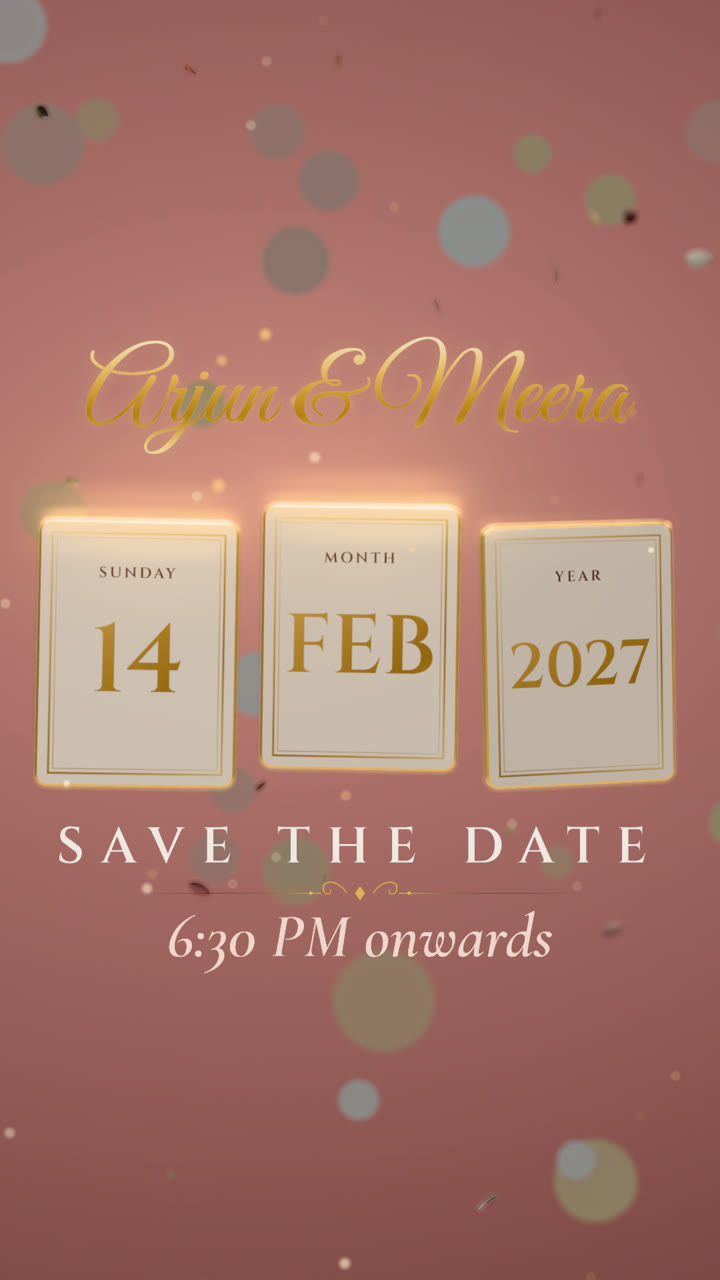 Floating DateSave the date video with 3D floating cards
 Party PopBirthday invitation video with balloons and confetti